
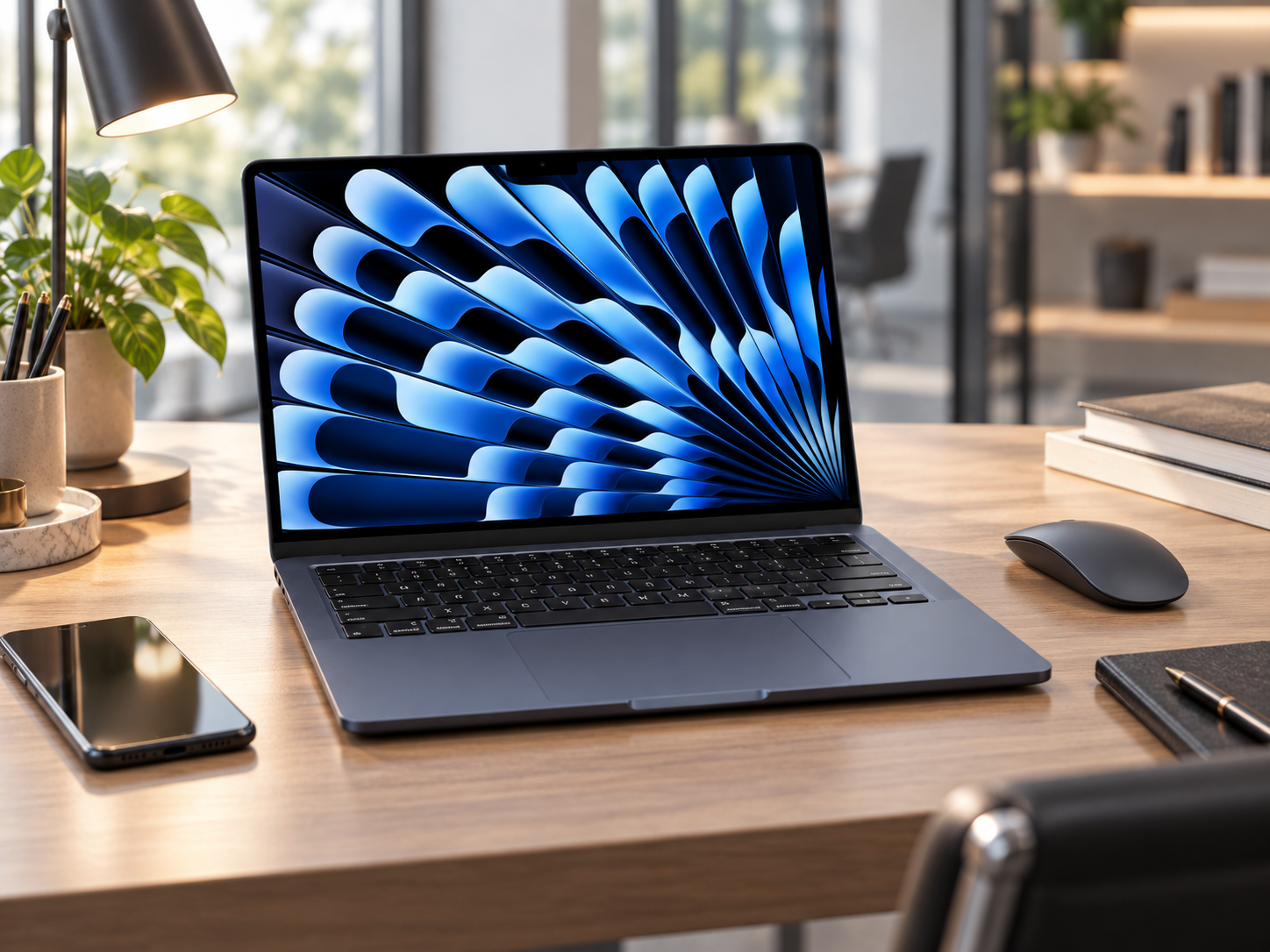
The Laptop I Recommend to Everyone Who Asks
Every few weeks, someone asks me the same question: "I need a new laptop. What should I get?" My answer hasn't changed in two years: the MacBook Air. And the M4 version made that recommendation even easier — Apple dropped the price by $100 while making it faster. That almost never happens in tech.
The 2025 MacBook Air 13-inch with the M4 chip starts at $999 (and regularly drops to $749-850 on Amazon). It delivers 15+ hours of battery life in a completely silent, fanless design that weighs 2.7 pounds. Whether you're a student, a business owner, a creative professional, or someone who just wants a laptop that works perfectly for the next 5-7 years, this is the one.
What Makes the M4 MacBook Air the Default Answer
Battery life that actually lasts all day. Not "all day" with an asterisk. Not "all day if you dim the screen and close half your apps." Real, honest-to-goodness all-day battery life. I regularly get 14-15 hours of mixed use — email, web browsing, documents, video calls, light photo editing — before hitting 10%. You can leave your charger at home for a full workday and not think about it. Coming from any Windows laptop where 8 hours is "great," this feels like cheating.
It's completely silent. There is no fan in this laptop. None. Zero. It never spins up, never whirs, never interrupts your thoughts during a meeting, never distracts you during a late-night work session. The M4 chip is so efficient that it doesn't need active cooling for normal workloads. After years of listening to laptop fans kick in every time I open more than three browser tabs, the silence is something you notice every single day.
The M4 chip handles more than you'd expect from an "Air." This isn't just an email-and-Netflix machine. The M4 has a 10-core CPU and up to a 10-core GPU. It edits 4K video in Final Cut Pro without breaking a sweat. It handles Photoshop and Lightroom without lag. It runs Xcode for app development. It plays games at respectable frame rates. One professional reviewer tested Shadow of the Tomb Raider at full HD on highest settings and got 36-37 frames per second — on a fanless ultrabook. For everyday business tasks, it's wildly overpowered, which means it'll feel fast for years to come.
The display is gorgeous. The 13.6-inch Liquid Retina screen runs at 2560x1664 resolution with P3 wide color and up to 500 nits of brightness. Text is razor-sharp, colors are accurate, and the screen gets bright enough to use outdoors in indirect sunlight. If you're doing any kind of visual work — design, photography, video — the display is professional quality. For regular use, everything just looks crisp and clean.
16GB of unified memory is the new baseline. Apple finally made 16GB the starting configuration, up from 8GB on older models. For most people, 16GB is the sweet spot — enough for dozens of browser tabs, multiple apps, and moderate creative work without slowdown. You can upgrade to 24GB or 32GB if you need it, but most buyers will be perfectly served by the base configuration.
The webcam is finally good. The 12MP Center Stage camera with automatic framing is a genuine upgrade from the sad webcam situation on older MacBooks. During video calls, it keeps you centered in the frame even if you move around. The image quality is clear enough that you won't feel the need for an external webcam anymore.
MagSafe charging is a quality-of-life win. The magnetic charging connector snaps on and pops off cleanly. If someone trips over your charging cable, the connector pops free instead of pulling your $1,000 laptop off the desk. It seems small until it saves you once. You also get two USB-C/Thunderbolt ports on the other side for peripherals, displays, and fast data transfer.
What the M4 Air Won't Do
No extra ports. Two USB-C ports, a headphone jack, and MagSafe. That's it. No SD card slot, no HDMI, no USB-A. If you regularly connect external monitors, USB drives, and SD cards, you'll need a USB-C hub or dock. This is the tradeoff for the thin design, and it's the most common complaint from people who come from more port-heavy Windows laptops.
The base model has only 256GB of storage. In 2025, 256GB fills up fast — especially if you download a lot of apps, keep a large photo library, or work with video files. Apple charges a premium to upgrade storage ($200 for 512GB, $400 for 1TB), and you can't add storage later. My recommendation: if you can stretch your budget, get the 512GB model. If you can't, plan on using iCloud or an external drive for overflow.
The 13.6-inch screen feels small if you're used to 15-inch laptops. It's a great size for portability, but if you regularly work with multiple windows side by side, the 15-inch MacBook Air ($1,199) gives you noticeably more workspace. The 13-inch is ideal for single-app focus work and mobility; the 15-inch is better as a desk replacement.
It's not a gaming laptop. Yes, it can play some games at decent settings. But if gaming is a primary use case, a dedicated gaming laptop with a proper GPU will run circles around it. The M4 Air is a fantastic productivity and creative machine that happens to handle casual gaming — not the other way around.
120Hz is buried in the settings. The M4 Air supports ProMotion (120Hz refresh rate) on its display, which makes scrolling and animations buttery smooth. But Apple doesn't turn it on by default for all tasks — it scales dynamically to save battery. You'll notice the smoothness in some apps more than others.
Why Not Wait for the M5 MacBook Air?
Apple released the M5 MacBook Air in March 2026 starting at $1,299 — $300 more than the M4 Air's starting price. The M5 brings a faster chip, Wi-Fi 7, Bluetooth 6, a faster base SSD, and 512GB of starting storage. If you want the absolute latest, the M5 is the move.
But here's the real talk: for 90% of people, the M4 is more than enough performance for the next 5-7 years, and the $300-400 price difference between the M4 and M5 is significant. The M4 Air at $749-999 is one of the best laptop values on the market right now precisely because the M5 pushed prices up. If you're a power user who needs the latest, get the M5. If you want a phenomenal laptop at a phenomenal price, the M4 is the smarter buy.
MacBook Air M4 vs. the Competition
vs. M5 MacBook Air ($1,299+): Faster chip, Wi-Fi 7, bigger base SSD. Worth it for power users and anyone keeping the laptop 7+ years. Not worth the $300+ premium for email, web, and basic productivity.
vs. MacBook Pro M4 ($1,599+): The Pro adds a brighter XDR display, an additional Thunderbolt port, HDMI, an SD card slot, and a better speaker system. Only worth it if you need those pro-level features. For most people, the Air does everything the Pro does at half the cost.
vs. Dell XPS 13 (~$1,000-1,200): The Dell is a quality Windows ultrabook with a beautiful OLED display option. But the MacBook Air has significantly better battery life, runs silently (the Dell has a fan), and benefits from Apple's optimized hardware-software integration. If you need Windows specifically, the XPS is great. If you're platform-flexible, the Air wins.
vs. Budget Windows laptops ($400-600): Cheaper upfront, but you get what you pay for: shorter battery life, louder fans, slower performance over time, and typically a 3-4 year useful life vs. 6-7 years for a Mac. The MacBook Air's cost-per-year-of-use often beats budget laptops.
Who Should Buy This
Basically everyone. That's not a cop-out — it's the genuine answer. The MacBook Air M4 is the right laptop for students, business professionals, entrepreneurs, content creators, writers, and anyone who needs a reliable, fast, long-lasting laptop for everyday work.
The exceptions: gamers should look at gaming laptops, hardcore video editors and 3D designers should look at the MacBook Pro, and anyone locked into Windows-only enterprise software should look at the Dell XPS or Lenovo ThinkPad line.
The Verdict
The MacBook Air 13-inch with M4 chip is the best all-around laptop you can buy in its price range. All-day battery life, zero fan noise, a display that makes everything look sharp, and a chip that handles everything from spreadsheets to 4K video editing. Apple dropping the price by $100 while improving performance was the move that cemented this as the default laptop recommendation.
At $999 retail — and frequently available for $749-850 on Amazon — this is a laptop that punches well above its price point. If you're replacing an older laptop and want something that will serve you well for the next 5-7 years, stop overthinking it. This is the one.
Deal tip: The M4 MacBook Air regularly drops to $749-850 on Amazon, which is $150-250 below Apple's retail price. Check for Lightning Deals and price drops during Prime Day, Back to School season (July-August), and Black Friday. The Sky Blue color tends to sell out fastest.
The Verdict
The laptop experts recommend more than any other — now $100 cheaper and faster than last year's model. Worth buying if it fits how you'll actually use it.
This post contains affiliate links. If you buy through one, I may earn a commission at no extra cost to you.